
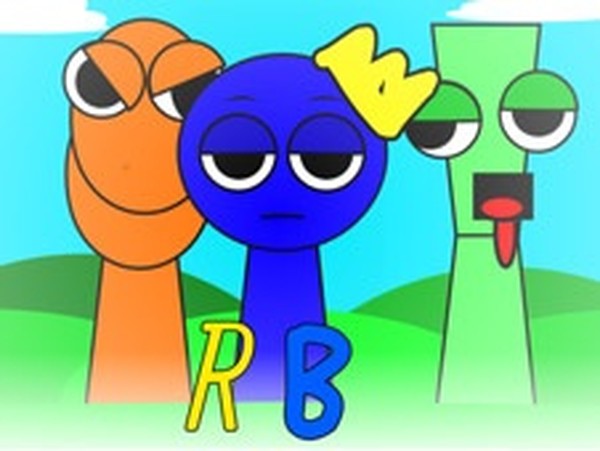
Rainbow Friends Music Creator
Reviews
Rainbow Friends Music Creator offers a delightful way to make music without any prior knowledge. The seven unique avatars and twenty sound icons provide plenty of variety. The mute and solo features help refine compositions, and the rewind button makes experimentation easy. The playful visual twist adds a fun surprise. Perfect for casual players and families.
About this game
Game Introduction
Rainbow Friends Music Creator is a music-making game where players compose songs using colorful characters. Inspired by a popular theme, the game features seven friendly avatars, each capable of producing unique sounds. The core objective is to mix and match musical elements by assigning different sounds to the avatars, creating personalized melodies. This game stands out for its simple drag-and-drop interface and playful visual style, making music creation accessible to players of all ages. It encourages experimentation and creativity without requiring any prior musical knowledge.
How to Play
To start, select one of the seven avatars. Then, choose from a selection of twenty musical icons, each representing a different sound like a beat or a vocal. Drag and drop an icon onto an avatar to assign that sound. You can assign sounds to multiple avatars to layer different musical parts and build a full composition. To adjust the mix, tap an avatar to mute it or let it perform a solo. If you want to start fresh, use the rewind button to clear all assigned sounds and begin a new creation. The controls are designed to be intuitive, allowing you to focus on the fun of making music.
Game Features
The game includes drag-and-drop controls for easy music creation. Seven unique avatars each contribute a distinct sound to your composition. Twenty musical icons provide a variety of beats, vocals, and other sound elements. You can mute or solo any avatar with a simple tap. A rewind button lets you instantly reset your creation. The game also includes a playful visual twist where the screen darkens and characters change, adding a fun spooky element without any scary content. This feature enhances the creative experience with a touch of surprise.
Tips for Success
Experiment freely with different sound combinations to discover what works best. Start by assigning a simple beat to one avatar, then layer vocals or melodies on top. Use the mute and solo features to focus on specific parts of your composition. Try creating a rhythm first, then add melody and harmony. Don't be afraid to reset and try new ideas—the rewind button makes it easy to start over. Listen to how different sounds interact and adjust your mix to achieve a balanced and enjoyable song. The more you experiment, the more you'll learn about music creation.




Comments
Sign in to leave a review
No account? Create one
No comments yet.